Who it is for
You ship a Go binary to one server and run it under systemd. Deploys today are scp, systemctl restart, and a quick look at the logs. That works until a restart lands during a busy minute and Caddy answers 502 for a couple of seconds, or until you push a build that starts fine and then fails every request, and nothing stops it from taking the traffic.
This kit replaces that with a deploy script that starts the new release beside the old one, checks it before it gets any traffic, switches, and goes back by itself if the new release turns bad. It is the Go and systemd counterpart of the Node and pm2 kit we already sell, for people who do not run pm2 and do not want to.
What you get
deploy.sh: release folders with an atomiccurrentsymlink, deploy of a binary you built in CI or a build on the server, health checks (N answers in a row), switch, drain, automatic rollback,deploy.sh rollback, and a lock so two deploys cannot overlap.- Hardened systemd units:
Type=notify, graceful stop, restart policy, an unprivileged user, secrets in a mode-600 environment file that the service user cannot read. - An installer that sets up the user, directories, units and the environment file.
- A small example Go app (standard library only) with graceful shutdown and a tested helper for socket activation and
sd_notify. - Failure alerts to Telegram or a webhook when a deploy fails. Successful deploys are silent.
- A test harness and the output of its last run.
Two ways to switch
Blue/green (the default). Two instances, app@a and app@b, sit behind Caddy. The new release starts on the idle port and has to answer the health check several times in a row before Caddy hears about it. Then Caddy is reloaded gracefully, the old instance drains and stops. If the new release turns sick after the switch, the script puts everything back. Rolling back is the same motion in reverse, and with KEEP_PREVIOUS=1 the old instance stays warm so a rollback is only a Caddy switch.
Socket activation. systemd holds the listening socket open while the service restarts, so connections are queued, not refused. The new release is first run as a canary on another port, so a broken build never reaches the restart.
Blue/green is the default because it keeps the slowest request close to the length of the request itself. Socket mode is there for the cases where you cannot run two instances: a fixed port you cannot move, or a resource only one process may hold. The measurements below cover both.
Measured
Setup: a Debian 12 container with systemd 252 as PID 1, Caddy 2.6.2, an example app that needs 1.5 s to start, a constant 20 requests per second through Caddy, three runs per scenario. A request counts as failed on any connection error, timeout or status other than 200.
| Scenario | Sent | Failed |
|---|---|---|
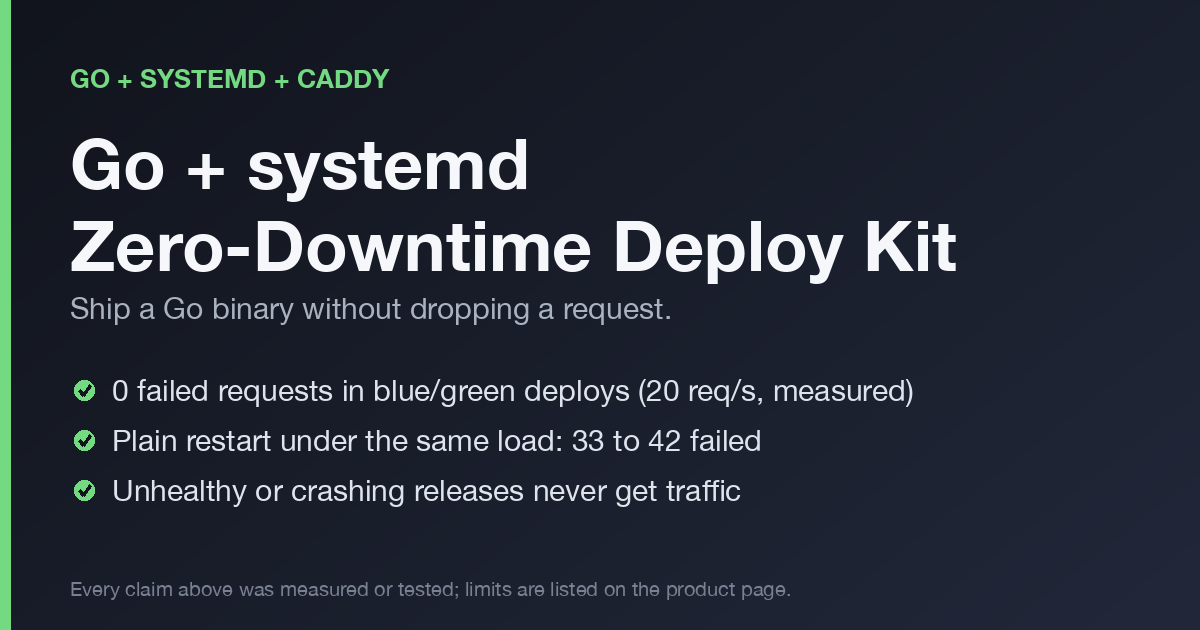
Plain systemctl restart, one instance | 152 to 162 | 33 to 42 (all HTTP 502) |
Same, with Caddy's lb_try_duration 5s | 162 | 0, but the slowest request took 2.3 s |
| Blue/green, good deploy | 293 to 295 | 0 |
Blue/green, release whose /health returns 500 | 458 to 460 | 0 |
| Blue/green, release that crashes on start | 132 | 0 |
| Blue/green, release that turns sick after the switch | 381 to 383 | 0 (the bad release answered 182 or 183 requests before the rollback) |
| Blue/green, rollback | 293 to 295 | 0 |
Blue/green, rollback with KEEP_PREVIOUS=1 | 222 to 223 | 0, traffic moved after 0.1 s |
| Blue/green, good deploy with 2 s requests in flight | 234 | 0, the slow requests finished, not cut |
| Socket mode, good deploy | 268 to 269 | 0 |
| Socket mode, good deploy with 2 s requests in flight | 307 to 310 | 0, slowest request 5.65 s |
A deploy takes 8 to 9 seconds in blue/green mode, and traffic is on the new release after about 3.6 seconds. Those are the numbers for this app and this machine.
How the deploy goes
The README walks through seven steps. In short: take the lock, create the release folder, start the idle instance and wait for it to report ready, health-check it directly, write the new upstream and reload Caddy, switch the symlink, wait, check again, and only then stop the old instance. Each step has a defined failure path, and the ones that matter are tested: an unhealthy release, a crash on start, and a release that turns bad after the switch.
Requirements
Linux with systemd, Caddy, curl and flock. Go and git only if you build on the server. One service on one host.
FAQ
I use Node and pm2. Is this for me?
No, see the VPS Deploy & Backup Kit. It does the same job for that stack.
Do I need Caddy?
Blue/green needs it for the switch. We measured both modes with Caddy in front.
Will it work on Ubuntu?
Ubuntu also uses systemd and the kit only needs systemd and Caddy, so it is a fit. It was tested on Debian 12.
What does a second deploy do while one is running?
It exits at once with code 75 and sends no alert. That is the lock.
License
Use it on your own servers. Please do not resell the files.
Changelog
- 0.1.0: first release.
Read more
- What a plain systemctl restart costs a Go service under load
- systemd socket activation: no dropped requests, but a cost
- Roll back a bad deploy in a minute with release folders
- Database migrations that survive a zero-downtime deploy
- Deploy health checks that catch bad releases
- Caddy blue/green config for a one-server app, line by line
Get it
Payment, tax and invoices are handled by Polar as merchant of record. You receive a download link after checkout.