What you get
Three small bash scripts, one shared alert helper and the config files to wire them up. Read them in ten minutes; there is nothing to install except the tools they call.
| File | What it does |
|---|---|
deploy.sh | Clones a release, builds, health-checks and rolls back on failure. Two modes: restart (symlink plus pm2 restart, a short outage) and bluegreen (zero failed requests in the test below). deploy.sh rollback flips back in blue/green mode. |
backup.sh | Dumps SQLite and Postgres databases safely, then backs up with restic (7 daily, 4 weekly, 6 monthly by default) and checks the repository. A corrupt dump stops the run before any snapshot is made. |
restore-test.sh | Restores the latest snapshot to a temporary directory, verifies the database dumps, runs your own optional check and reads a sample of the data. |
notify.sh | Sends a Telegram message or a webhook POST when any script fails. Silent on success. |
| Config | kit.env.example, Caddyfile.example, ecosystem.config.js, cron.example |
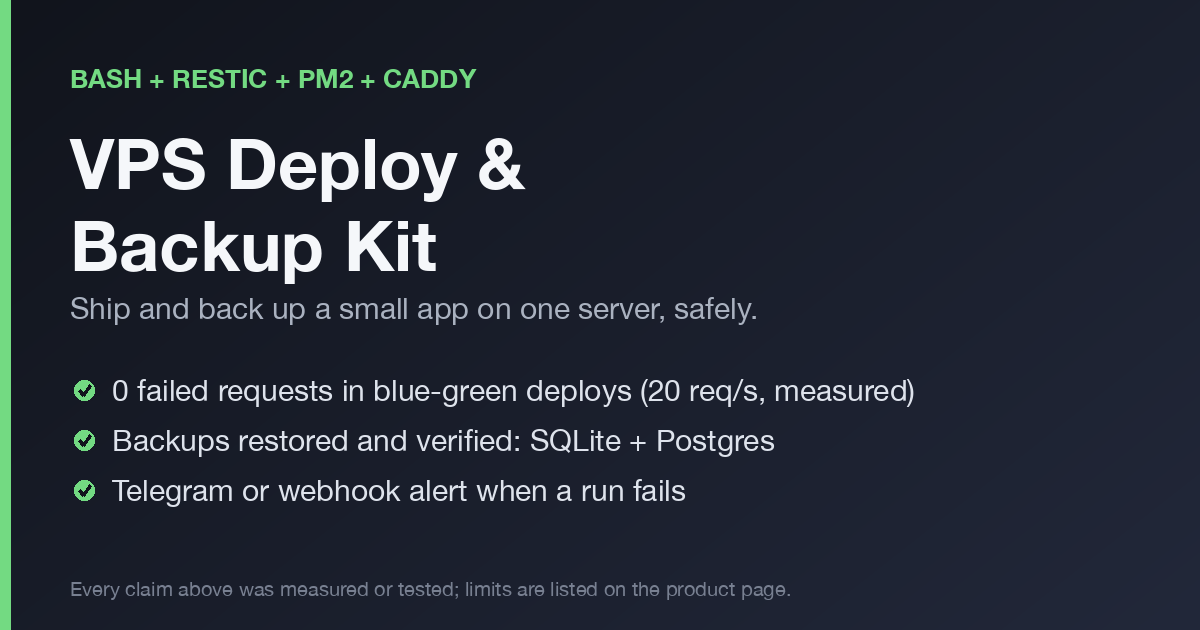
Zero-downtime deploys, measured
In bluegreen mode the new release starts on the idle port, is health-checked directly, Caddy is switched to it with a graceful reload, and only then does the old release stop. A release that is unhealthy never receives traffic.
Test setup: Debian 12 container, Caddy 2.6.2 from apt, pm2, a Node app that needs 1.5 seconds to start, a load of 20 requests per second through Caddy for the whole deploy (every fifth request is a 300 ms endpoint). A request counts as failed on a connection error, a timeout over 3 seconds, or any status other than 200.
| Scenario | Requests | Failed | Deploy time |
|---|---|---|---|
restart mode, good release | 116 | 32 (all HTTP 502) | 2.4 s |
restart mode, broken release (rolled back) | 380 | 67 (all HTTP 502) | 16.8 s |
bluegreen, good release | 211 | 0 | 7.6 s |
bluegreen, broken release (health returns 500) | 373 | 0 | 16.6 s |
bluegreen, release that crashes on start | 371 | 0 | 16.5 s |
bluegreen, rollback | 208 | 0 | 7.5 s |
In the good blue/green run the load saw both versions (115 answers from v1, then 96 from v2), so traffic really moved. Counts vary a little between runs: over several runs the restart mode failed 31 to 35 requests and blue/green failed none. This is one machine and one app; your start time and load will differ.
Backups you have actually restored
- Databases are dumped properly. SQLite uses its online backup and an integrity check; Postgres uses
pg_dump -Fcandpg_restore -l. Copying a live database file is how backups end up corrupt. - A bad dump stops the run. In the test a corrupted SQLite file aborted the backup without creating a snapshot.
- Old dumps cannot leak in. A database you removed from the config does not keep sneaking into new snapshots.
restore-test.shproves it. It restores, checks the dumps and runsrestic checkon a sample. Run it weekly from cron.- Remote repository.
sftp:repositories work with both scripts (tested against a local OpenSSH server).
Failure alerts
Set TELEGRAM_BOT_TOKEN and TELEGRAM_CHAT_ID, or NOTIFY_WEBHOOK_URL. A failing deploy, backup or restore test sends exactly one message per channel; a successful run sends nothing. The token is passed to curl on stdin and never printed, and an unreachable notification API does not change the script's exit code.
Setup in five steps
- Install
restic,git,curlandpm2(pluscaddyfor blue/green,sqlite3orpostgresql-clientfor those databases). - Copy the folder to the server and
cp kit.env.example kit.env, then edit it. - Put the repository password in a mode-600 file.
- Run
./backup.sh,./restore-test.sh, then./deploy.sh. - Add the cron lines from
cron.example.
What was tested, and what was not
59 checks run in a clean Debian 12 container (Node 22, restic, PostgreSQL 15, Caddy 2.6.2 and OpenSSH from apt, pm2). They cover: backup of folders, SQLite and Postgres, restoring and comparing rows, wrong repository, corrupt database, missing dump, deploy and rollback in both modes under load, alerts against a local fake API, and restic over SFTP.
Not tested:
- The real Telegram API (only a local fake of its
sendMessagecall) and real Slack or Discord webhooks - Other remote backends (S3, rclone) and SFTP with a password or non-standard port
- Caddy newer than 2.6.2, systemd-managed Caddy, and a failing
caddy reloadin blue/green - Blue/green under heavy load or long-lived requests (WebSockets, uploads)
- Go builds, cron timing and Postgres over TLS
Treat those as starting points. The README inside the kit lists the same limits.
Who it is for, and who it is not
For solo developers and small teams running one or two Node or Go apps on a single Linux VPS who want deploys and backups they can trust without adopting Kubernetes.
Not for: multi-server setups, apps that need cluster mode, macOS servers, or teams that already run a full orchestration platform.
Blue/green runs two releases side by side for a few seconds, so database migrations must be backward compatible, and requests longer than the drain time after the switch can be cut.
FAQ
Do I need the kit to get zero-downtime deploys?
No. The technique is described in this post with the core commands. The kit packages it with health checks, rollback, state handling, alerts and the test suite.
Which stack does it assume?
Linux, bash, pm2, Caddy for blue/green, restic for backups, and an app that reads its port from the PORT environment variable.
Does it work with Postgres and SQLite?
Yes, both are dumped and verified. Point-in-time recovery for Postgres is not covered.
Can I use it for several apps?
One kit.env per app; set KIT_CONF to choose the file.
What is the license?
Use it on your own servers. Do not resell the files.
Changelog
- 0.3.0: blue/green deploys with rollback, failure alerts (Telegram and webhook), SFTP repositories tested, all messages in English.
- 0.2.0: SQLite and Postgres dumps in
backup.sh, dump verification inrestore-test.sh. - 0.1.0: first release.
Read more
Get it
Payment, tax and invoices are handled by Polar as merchant of record. You receive a download link after checkout.